
How to Avoid Email Spam: Best Practices for Outreach Marketing Emails
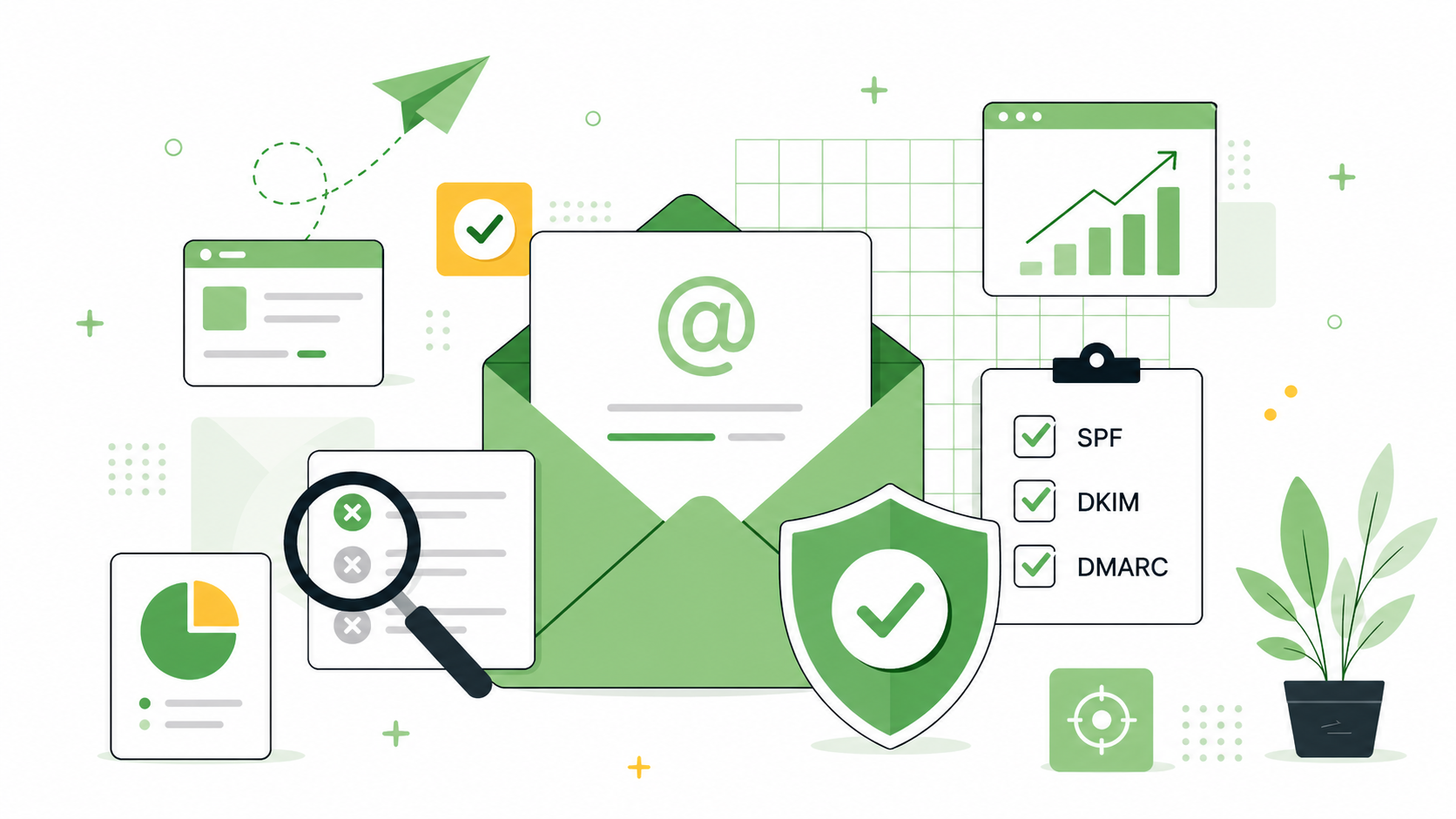
Outreach marketing only works when your email reaches the inbox.
Even a strong pitch will fail if it lands in spam. That is why you need more than good copy.
You also need a clean list, trusted sender reputation, and proper email setup.
This guide explains how to avoid email spam when sending outreach emails. It covers content, deliverability, blacklists, sender reputation, and follow-ups.
Quick Answer: How to Avoid Email Spam
To avoid email spam, send relevant emails to the right people.
Use a verified contact list, personalize every message, and avoid misleading subject lines.
Also check your domain setup, sender reputation, and possible blacklist issues before sending.
Before launching outreach, check:
- SPF, DKIM, and DMARC
- sender reputation
- email blacklist status
- bounce rate
- contact list quality
- message relevance
- sending frequency
Good outreach should feel personal, useful, and expected.
What Is Outreach Marketing?
Outreach marketing means contacting selected people directly.
These people can include editors, bloggers, website owners, journalists, partners, or industry experts.
For example, outreach can look different depending on the goal. A PR team may contact journalists to share expert commentary, a SaaS company may reach out to bloggers for product feedback, and an SEO team may contact relevant websites about guest posts, resource pages, or link insertions. In backlink-focused campaigns, teams often use backlink software for outreach (e.g. linkee.ai) to keep prospect lists, contact details, and reply tracking in one place instead of managing every step manually.
Outreach is often used for:
- link building,
- guest posts,
- digital PR,
- content promotion,
- expert quotes,
- partnership requests,
- resource page outreach.
In SEO, outreach often supports link building. You contact a relevant website and suggest useful content, a quote, or a collaboration.
Good outreach is not mass email. It should be specific, relevant, and valuable.
Why Do Outreach Emails Go to Spam?
Emails can land in spam for many reasons.
Sometimes the message looks too promotional. Sometimes the domain has a weak reputation. Sometimes the list contains poor-quality contacts.
Common reasons include:
- missing SPF, DKIM, or DMARC,
- poor sender reputation,
- sending from a new domain,
- sending too many emails too quickly,
- using purchased email lists,
- high bounce rate,
- spam-like subject lines,
- too many links,
- misleading sender information,
- irrelevant content,
- too many complaints.
Spam filters look at many signals together.
They do not judge your email based on one word alone. They evaluate your sender behavior, list quality, and recipient engagement.
Send Emails to the Right People
One of the best ways to avoid spam is simple.
Send emails only to people who have a clear reason to receive them.
For newsletters, this usually means opt-in subscribers. For outreach, it means highly relevant contacts.
Avoid random or purchased email lists. They often contain outdated, irrelevant, or risky addresses.
A good outreach list should be:
- relevant to your topic,
- manually reviewed,
- up to date,
- segmented,
- connected to a real reason for contact.
Quality matters more than volume.
A smaller list of relevant contacts usually performs better than a large random database.
Check Your Sender Reputation
Your sender reputation affects inbox placement.
If your domain or IP has a poor reputation, emails may land in spam more often.
Sender reputation can be influenced by:
- bounce rate,
- spam complaints,
- engagement,
- sending consistency,
- list quality,
- email content,
- domain history.
Before a campaign, review your sending patterns.
If replies are dropping, bounces are rising, or opens are falling, investigate before scaling.
Poor metrics can signal a deliverability issue.
Check Whether Your Domain or IP Is Blacklisted
Before a larger outreach campaign, check whether your domain or IP appears on blacklists.
Blacklists are used to identify suspicious senders. They may include domains or IPs connected with spam, abuse, or unsafe activity.
This step is important if you notice:
- low open rates,
- many bounced emails,
- sudden deliverability problems,
- fewer replies than usual,
- problems after changing email providers,
- issues with a new sending domain.
You can use a tool such as blacklist checker (e.g. QuickEmailVerification) to verify this.
Being listed does not always mean your campaign is lost.
But it is a warning sign. You should check your list, sending volume, domain setup, and email practices.
Set Up SPF, DKIM, and DMARC
Technical setup is a key part of email deliverability.
Before sending outreach emails, check your domain authentication.
The most important records are:
- SPF
- DKIM
- DMARC
SPF tells receiving servers which services can send emails for your domain.
DKIM adds a digital signature to your messages.
DMARC tells servers what to do when authentication checks fail.
If you use cold email tools, add them correctly to your DNS setup.
Poor authentication can make your emails look less trustworthy.
Avoid Spam Trigger Words in Subject Lines
Your subject line has a big impact on trust.
Avoid subject lines that sound aggressive, misleading, or too promotional.
Be careful with phrases like:
- guaranteed results
- 100% free
- urgent
- act now
- limited time
- earn money fast
- risk-free
- click now
- once in a lifetime
- no strings attached
One phrase will not always send you to spam.
But spam-like wording can hurt trust. It can also reduce replies and increase complaints.
Use clear, honest subject lines instead.
Write Clear and Honest Subject Lines
A good subject line should match the email content.
It should not trick the recipient into opening the message.
Good outreach subject lines include:
- Content idea for [website name]
- Suggestion for your article about [topic]
- Question about a guest post
- Expert comment for your article
- Quick suggestion for your resource page
- Content collaboration idea
Avoid fake “Re:” lines if there was no previous conversation.
Also avoid CAPS LOCK, too many exclamation marks, and false urgency.
Make the Email Relevant
Relevance is one of the strongest signals of good outreach.
If your email does not fit the recipient, it will feel like spam.
Before sending, ask:
- Does this person cover this topic?
- Is my proposal useful for their audience?
- Have I referenced something specific?
- Is there a clear reason for my message?
- Would I reply to this email myself?
Personalization should go beyond the first name.
Mention a specific article, topic, resource, or website section.
Show that you understand the recipient’s work.
Keep the Email Short and Useful
A good outreach email should be easy to read.
Do not start with a long company introduction. Do not explain everything at once.
Focus on the recipient and the value.
A simple structure works best:
- short greeting,
- clear reason for contact,
- relevant context,
- specific proposal,
- simple question,
- natural signature.
Keep the email concise.
The recipient should understand your message in a few seconds.
Do Not Add Too Many Links
Too many links can make an email look suspicious.
This is especially true for cold outreach.
In the first email, use one important link at most. In some cases, use no link.
Avoid:
- shortened URLs,
- too many external links,
- unrelated links,
- heavy attachments,
- promotional banners,
- image-heavy signatures.
If needed, say you can send more details later.
This feels more natural and less aggressive.
Use Clear Sender Information
Your sender information should be honest and recognizable.
Do not hide who you are. Do not make the email look like it came from someone else.
Use a real sender name, a clear email address, and a simple signature.
A good signature can include:
- your name,
- company name,
- role,
- website,
- contact details,
- physical business address, if required.
Misleading sender details can damage trust.
They can also create legal and deliverability problems.
Send Emails Consistently
Sending frequency matters.
Do not send hundreds of emails from a fresh domain on day one.
Start with a smaller volume. Increase gradually if results look healthy.
Watch these metrics:
- open rate,
- reply rate,
- bounce rate,
- delivery rate,
- unsubscribe rate,
- spam complaints.
Inconsistent or sudden sending patterns can look suspicious.
A steady schedule is usually safer than random bursts.
Use Double Opt-In for Email Lists
For newsletters and marketing lists, double opt-in is a strong practice.
It confirms that subscribers really want to receive your emails.
With double opt-in, a person signs up first. Then they confirm through a second email.
This helps reduce:
- fake signups,
- bad addresses,
- spam complaints,
- low engagement,
- list quality problems.
For outreach, double opt-in may not apply directly.
But the principle still matters. Contact people only when there is a relevant reason.
Write Polite Follow-Ups
Follow-ups can improve outreach results.
But too many reminders can feel pushy. They can also increase spam complaints.
Send one or two follow-ups at most.
A good follow-up should be:
- short,
- polite,
- relevant,
- connected to the first email,
- easy to ignore or decline.
Example:
Hi, I wanted to follow up on my content idea about [topic].
I thought it could be useful for your article on [context].
If this is not relevant, I will not follow up again.
This tone shows respect.
It also lowers the chance of annoying the recipient.
Checklist: How to Avoid Email Spam
Use this checklist before sending outreach emails.
Technical setup:
- SPF is configured.
- DKIM is active.
- DMARC is set.
- Sending tools are authenticated.
- Domain or IP was checked against blacklists.
List quality:
- Contacts are relevant.
- Emails are verified.
- The list is not purchased.
- Segments are clear.
- Bad addresses are removed.
Message quality:
- Subject line is honest.
- Email is personalized.
- Message is short.
- Proposal is useful.
- Links are limited.
Sending behavior:
- Volume is controlled.
- Follow-ups are limited.
- Metrics are monitored.
- Complaints are reviewed.
- Weak results are investigated.
Common Mistakes That Send Emails to Spam
Many outreach campaigns fail because they look like mass email.
Common mistakes include:
- sending to irrelevant people,
- using purchased lists,
- ignoring sender reputation,
- skipping blacklist checks,
- missing SPF, DKIM, or DMARC,
- using clickbait subject lines,
- adding too many links,
- writing long generic emails,
- sending too many follow-ups,
- scaling too quickly.
One mistake may hurt results.
Several mistakes together can ruin the whole campaign.
Summary: How to Avoid Email Spam in Outreach
To avoid email spam, focus on relevance, trust, and clean sending practices.
Do not treat outreach as mass mailing. Treat it as relationship building.
Before sending, check your domain setup, sender reputation, blacklists, list quality, and message relevance.
Use clear subject lines. Keep emails short. Personalize your message. Avoid aggressive wording.
The best outreach email feels like it was written for one person.
That is what helps it reach the inbox, earn trust, and get replies.




Leave a Comment